3d Hologram Fan Modeller

Create 3D Touchable Holograms

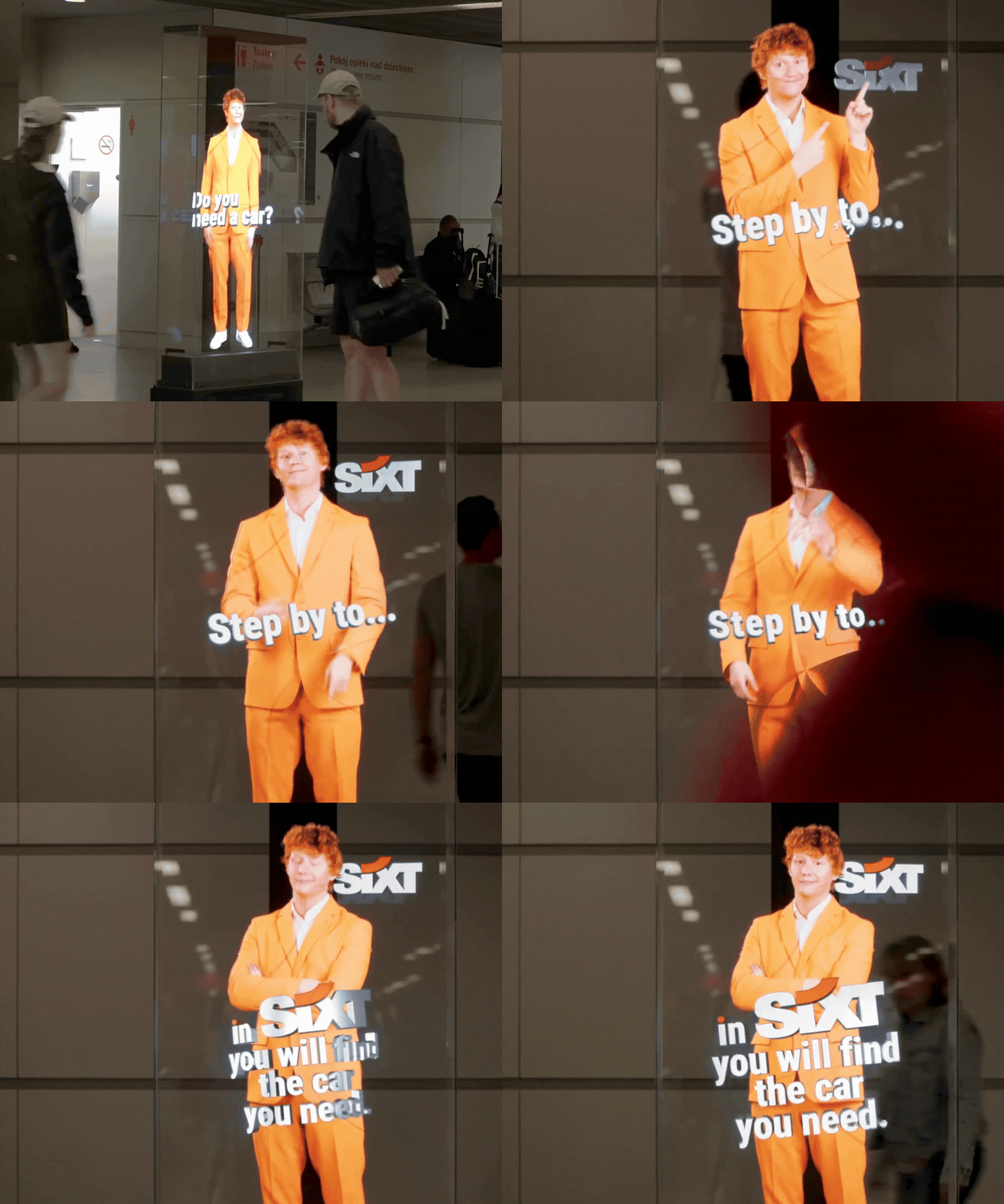
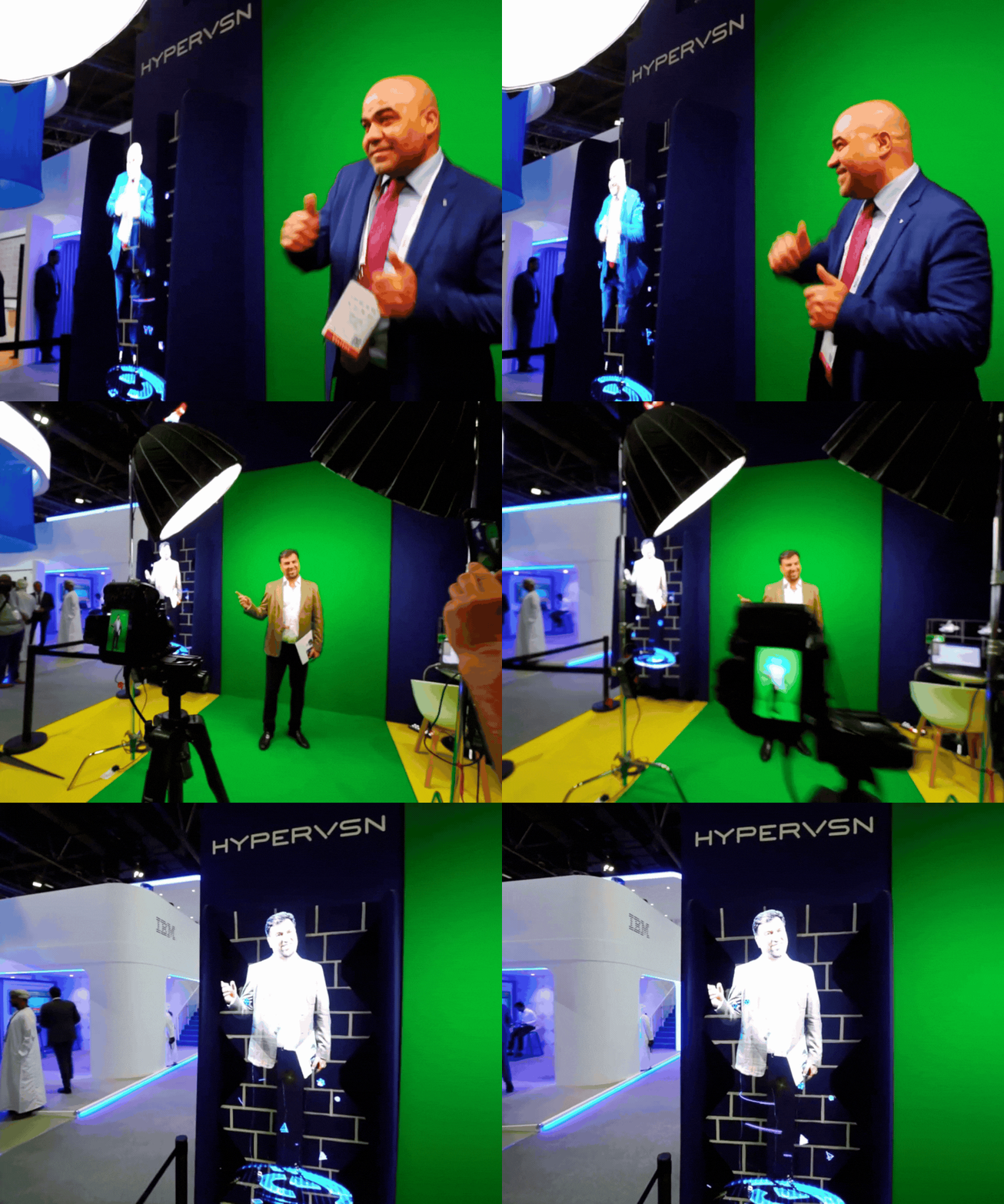
Design interactive 3D models that your audience can reach into, rotate, and explore with their own hands, turning viewing into a memorable experience.

Trusted By:

Transform Engagement into Business Value

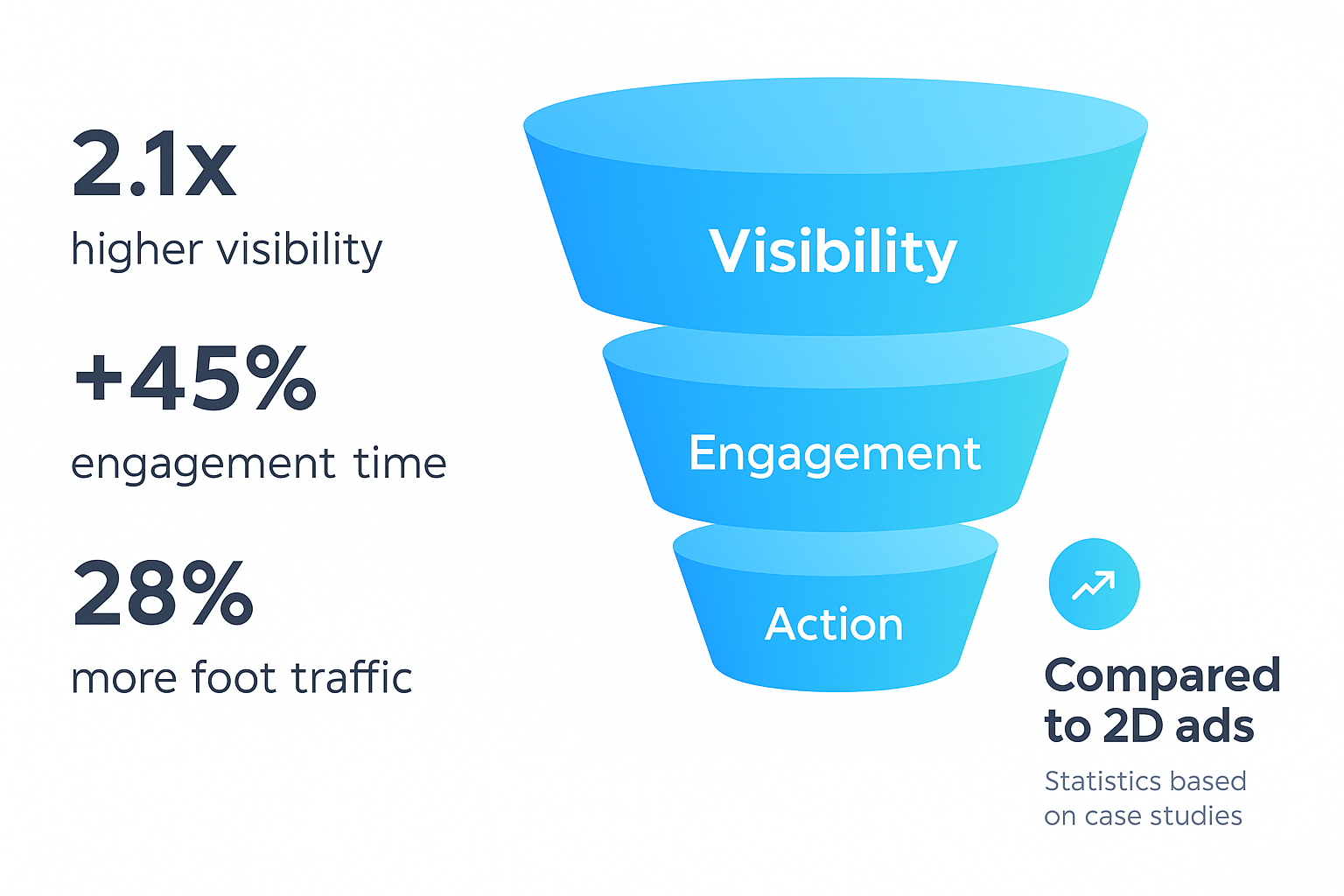
The SmartV 3D Modeller transforms passive viewers into active participants. This hands-on interaction directly translates to superior metrics that impact your bottom line.

Sustain Attention: Significantly extend dwell times and attraction rates by offering a captivating, interactive experience.

Deepen Engagement: Dramatically improve user interaction levels by making your audience a part of the story.

Drive Action: Boost key conversion and customer retention rates by creating a memorable and persuasive brand interaction.

Solo 3D Hologram Solution

01. Hardware

HYPERVSN SmartV 3D Modeller can be used on single Solo displays or on horizontal or square Walls.

Check More Details:

Smart M Display
Smart L Display
SmartV Wall

The 3D Modeller software is built to scale across the following Hypervsn hardware environments:

  • Solo Displays: It runs perfectly on single SmartV Solo M (56cm) or Solo L (75cm) units. This is ideal for smaller, portable interactive kiosks or tabletop displays.
  • Wall Installations: It can be deployed on larger Hypervsn SmartV Walls. Because the system is modular, you can configure these walls into various shapes, including:
  • Square Walls: (e.g., 3×3, 4×4 installations).
  • Horizontal/Rectangular Walls: (e.g., 3×2, 6×3 installations).
  • Custom Shapes: Three vertical units can even be used to create a “Holographic Human” setup for life-sized interactive 3D models.
02. Controller

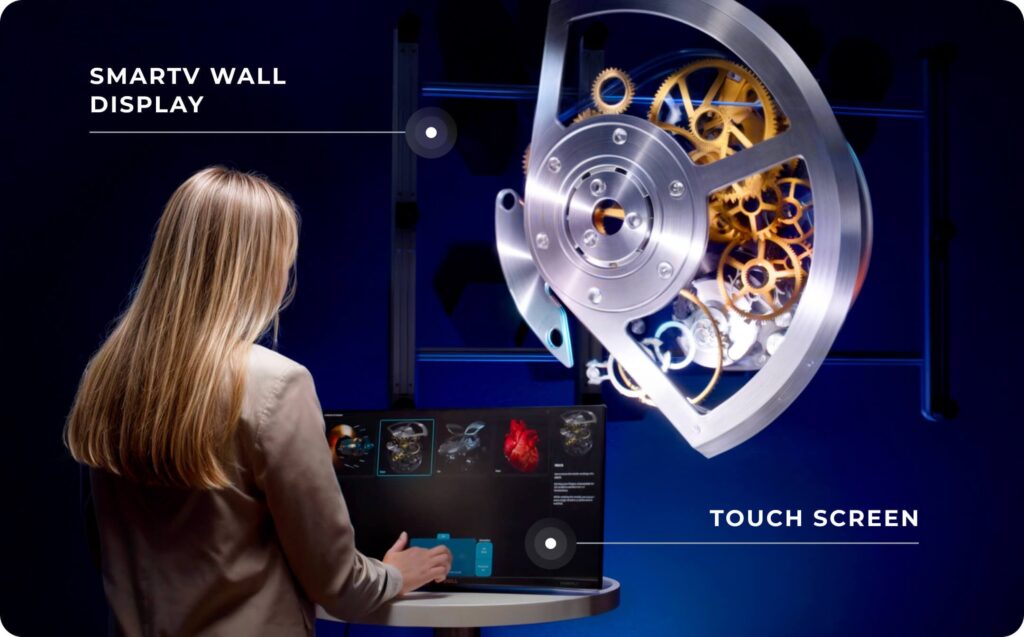
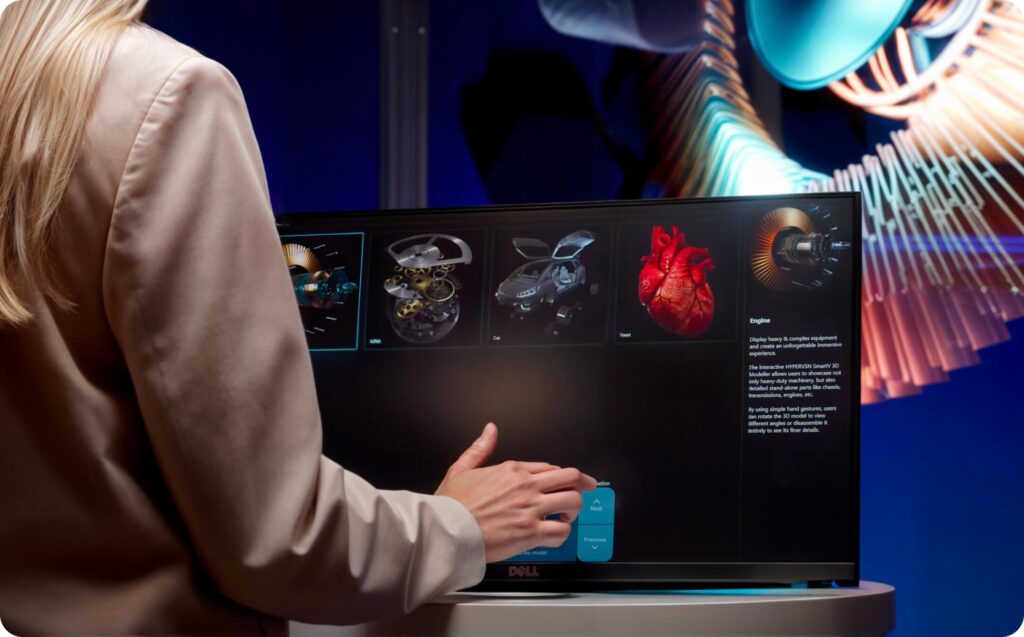
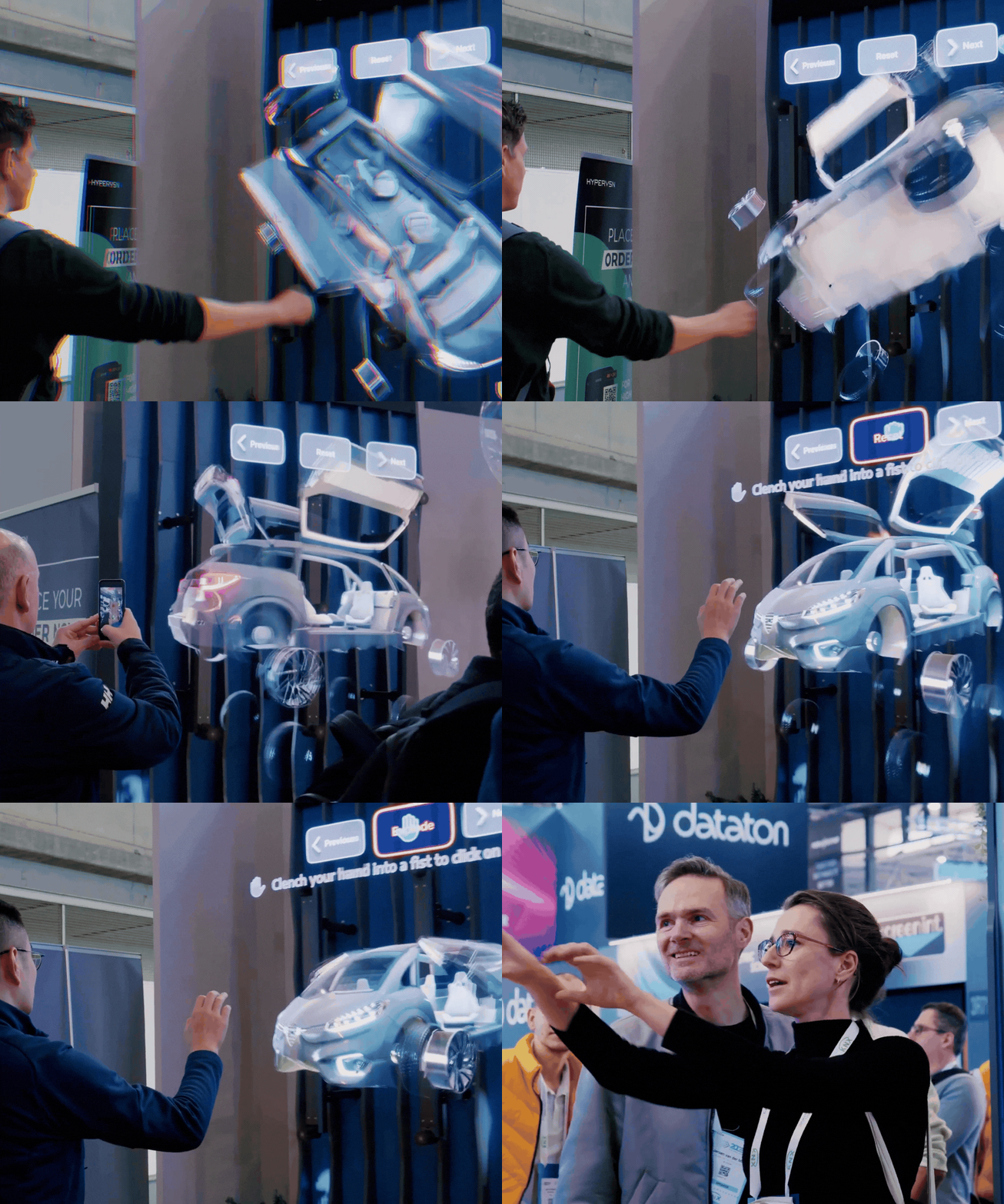
You can manipulate, rotate, display, assemble, and disassemble the 3D model using a touchscreen with an integrated touchpad or an Air mouse.

Touch screen
Air mouse

Regardless of the size or shape of your installation, the 3D Modeller allows for real-time manipulation of digital assets. Users can interact with the 3D models (rotate, zoom, or “explode” parts to see internal components) using:

  • Touch Screens: Using a companion tablet or a large-format touch screen as a controller.
  • Air Mouse: For gesture-like control from a distance.
  • Motion Sensors: For a completely touch-free experience.
03. Software Suite

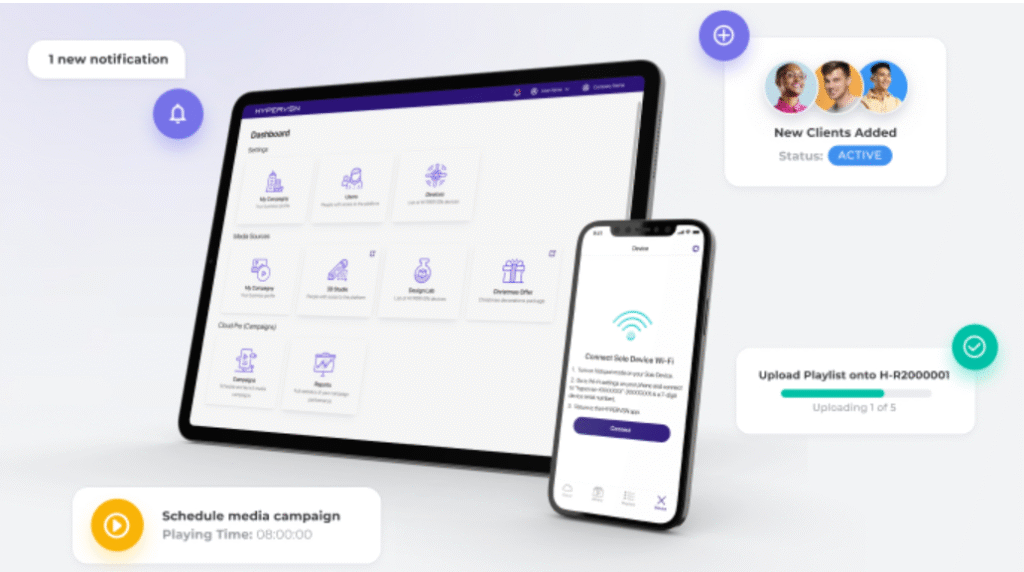
The 3D Modeller subscription allows devices to be controlled from an external PC. The solution includes applications to manage content and devices.

To run the 3D Modeller on a Wall, you generally need the Hypervsn SmartV Box (available in versions for 6 or 12 units), which handles the synchronization of the 3D content across multiple spinning rotors to ensure the image remains seamless.

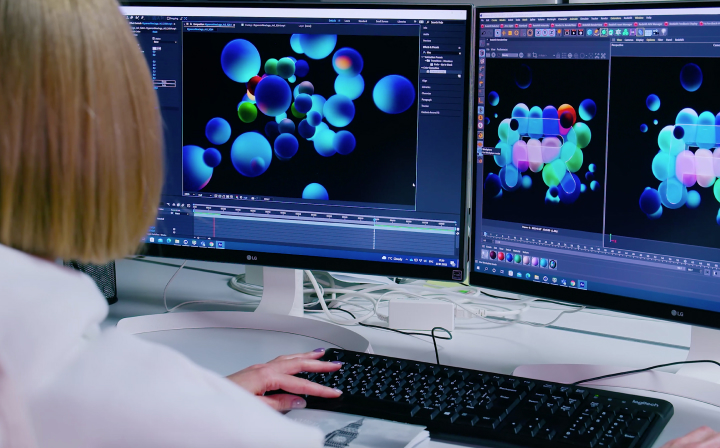
Content is the only way to convert viewers into customers. That’s why we offer free demo 3D models and paid 3D content creation services. You can also use your own 3D models that should meet certain requirements.

Design Lab:

Here is a breakdown of the industries using this technology the most:

1. Retail & Luxury Goods
This is the dominant sector, using holograms to drive foot traffic and brand recall.

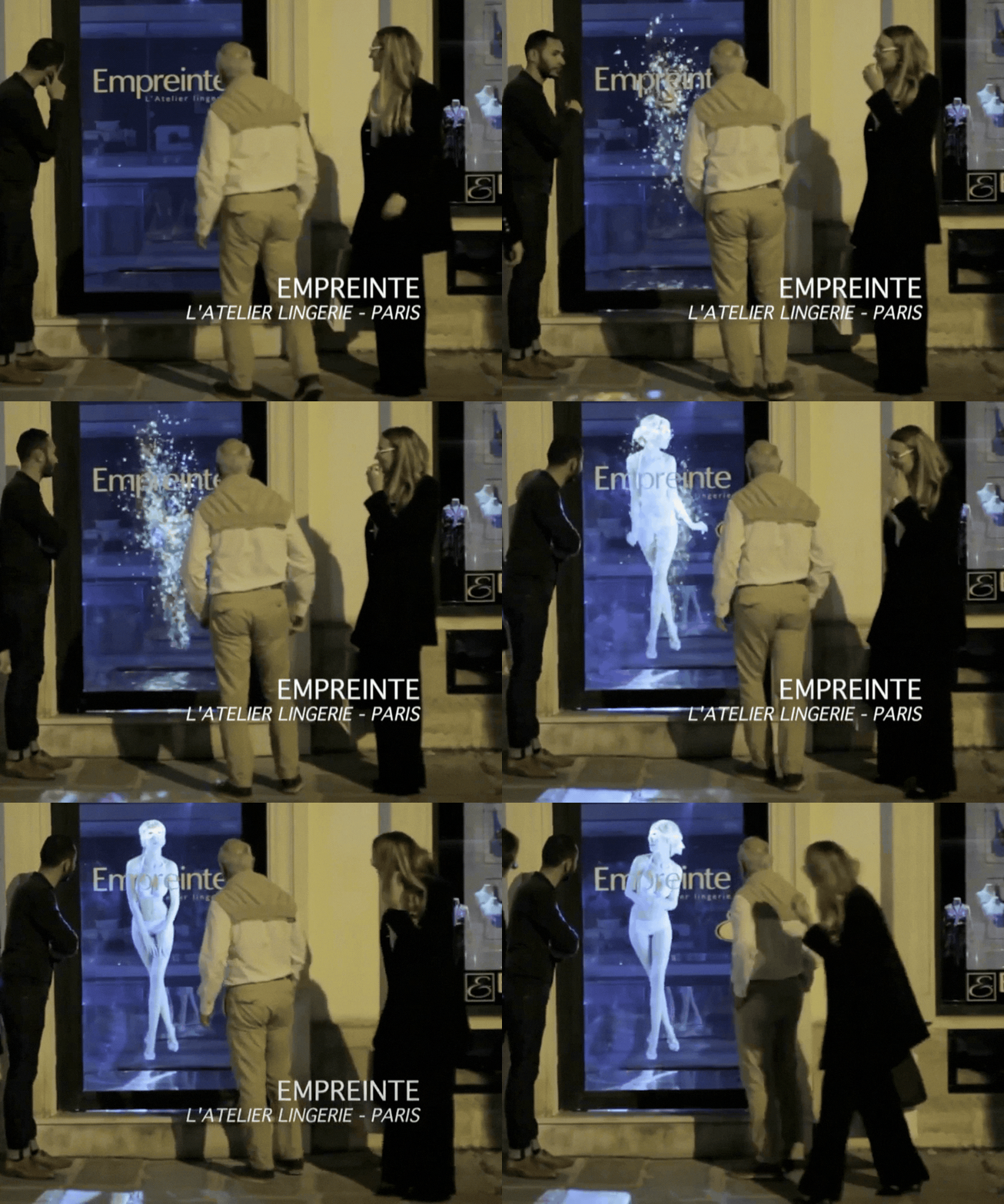
Virtual Product Demos: Retailers use the Modeller to let customers interact with products that are too large to stock (e.g., furniture) or too high-value to keep on open display (e.g., luxury watches or jewelry).

“Lift & Learn”: A popular retail accessory where picking up a physical item triggers a 3D hologram of that item with detailed specs and features.

Customization: Brands like Nike and IKEA use interactive 3D to let users swap colors or materials on a floating model before purchasing.

2. Healthcare & Medical Training
Healthcare is currently the highest-value sector, accounting for over 30% of the global holographic display market.

Surgical Planning: Surgeons use 3D Modellers to visualize complex organs or tumors based on MRI/CT scans, allowing them to rotate and “pull apart” the model to plan incisions.

Patient Education: Doctors use holograms to show patients exactly what a procedure involves, which significantly improves patient comprehension and confidence.

Medical Schools: Students use interactive holograms to explore human anatomy in 3D without the need for physical cadavers.

3. Automotive & Aerospace
These industries rely on “digital twins” to save time and costs in the design phase.

Interactive Showrooms: Dealerships use the 3D Modeller to display a life-sized car in a small space. Customers can “explode” the engine to see internal parts or change the car’s trim and wheels in real-time.

Engineering Reviews: Teams use large-scale Walls to collaborate on 3D prototypes, identifying design flaws in a shared 3D space without building a physical clay model.

4. Education & Museums
STEM Education: Complex concepts in physics, chemistry (molecular structures), and biology are easier to grasp when students can rotate a floating 3D model.

“Living” History: Museums use holographic humans or artifacts to allow visitors to interact with rare historical items that are otherwise kept behind glass or in vaults.

5. Real Estate & Architecture
Interactive Floor Plans: Instead of a flat 2D map, developers project 3D “dollhouse” views of buildings. Potential buyers can use a tablet to rotate the building, zoom into specific floors, and see the view from different balconies.

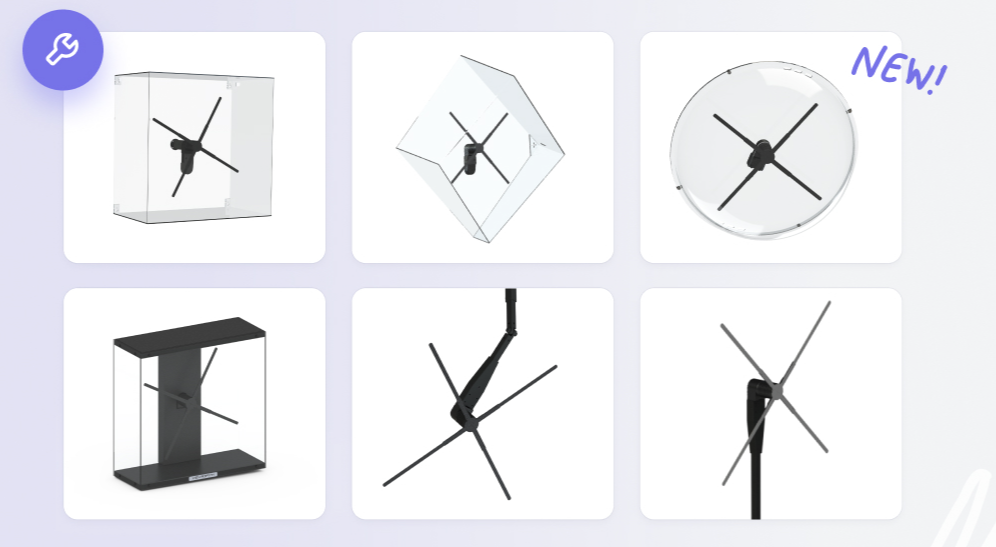
03. Accessories

Wide custom range of accessories – designed by HYPERVSN for you.

Check OUT:

Tripod
Ceiling Mount
Dome
Frame
Plex Guard

The setup typically requires a combination of “Core” hardware and “Interactive” peripherals.

1. Interactive Controllers
These allow users to manipulate the 3D models (rotate, zoom, or “explode” views).

Touch Screen/Tablet: Used as a virtual touchpad to control the hologram.

Leap Motion Controller: A high-precision sensor that enables hand-gesture control without touching any surface.

Air Mouse: A handheld remote used to interact with the model from a distance.

Webcam: Supported in current software versions for basic gesture control and human recognition.

2. Mounting & Installation (Solo & Wall)
Depending on whether you are using a single display or a Wall, these provide structural support:

SmartV Frame & Extenders: The “skeleton” for Wall installations. Frame Extenders allow you to scale from a 2×3 setup to virtually any size.
+1

Tripod: A telescopic, portable floor stand for Solo units (adjustable from 1.3m to 2.2m).

Ceiling Mount: A lightweight, adjustable mount for overhead installations.

Wall Stand: A dedicated floor-standing structure specifically for Wall configurations.

3. Protection & Aesthetics
Since the rotors spin at high speeds, these accessories are crucial for safety in public spaces:

Plex Guard: A clear protective shield available for Walls (e.g., Plex Guard 6, 9, or 12 units).

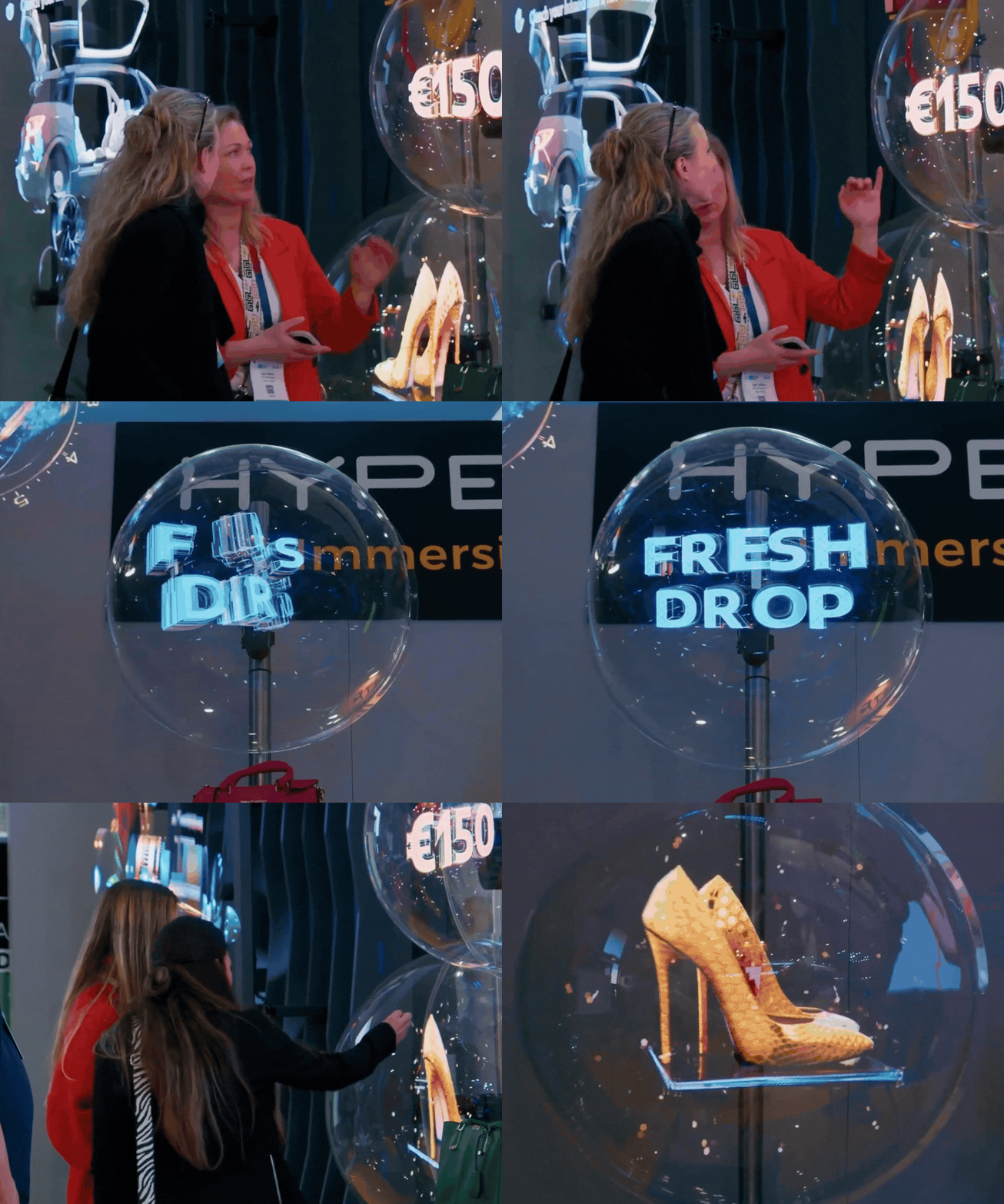
SmartV Dome (M or L): A circular protective cover for Solo units, giving them a sleek, finished look.

Plex Box: An all-in-one protective enclosure for Solo units, often used for retail kiosks.

4. Technical Essentials
SmartV Box (1, 6, or 12): This is the “brain” required to synchronize the displays and connect your interactive controllers.

Vibration Resistant Backboard: Recommended for large Walls to prevent “wobbling” and ensure perfect image calibration.


Immersive 3D Interaction for All Industries

An all-in-one solution for Education, Automotive, and Healthcare that transforms complex information into intuitive, interactive experiences.

This complete interactive platform allows your audience to take direct control, using their hands to virtually manipulate, rotate, and explore detailed 3D models from every angle.


Warning: Undefined array key "background_image" in /home/localrth/public_html/wp-content/plugins/elementor/includes/conditions.php on line 87

Warning: Trying to access array offset on value of type null in /home/localrth/public_html/wp-content/plugins/elementor/includes/conditions.php on line 90

Warning: Undefined array key "background_image" in /home/localrth/public_html/wp-content/plugins/elementor/includes/conditions.php on line 87

Warning: Trying to access array offset on value of type null in /home/localrth/public_html/wp-content/plugins/elementor/includes/conditions.php on line 90
Drive Active Engagement
Turn passive observers into active participants by letting them interact directly with your 3D products and services
The future is not flat. It’s here, and it’s dimensional.
Enhance Comprehension
Improve understanding and clarity by showcasing intricate product details and processes in impeccable high-definition
The future is not flat. It’s here, and it’s dimensional.
Enable Intuitive Control
Offer a flexible, hygienic experience with support for various controllers, including fully contact-free interaction
The future is not flat. It’s here, and it’s dimensional.
Amplify Message Impact
Boost information retention by telling your story through a digital model that users can physically explore and remember
The future is not flat. It’s here, and it’s dimensional.

Your Trusted Partner for Digital Marketing Success

Effective Marketing Strategies for Your Business

Get in touch and let us assist you right away. Let’s explore your project together and find the perfect approach to bring your vision to life.

SmartV 3D Modeller (Interactive 3D Hologram Experiences in Switzerland)

The SmartV 3D Modeller is an interactive 3D hologram solution that lets people manipulate, rotate, assemble, and explore 3D models in real time.

It works on Solo displays and can also be deployed on horizontal or square Walls, using controllers like a touchscreen or air mouse.

  • Hardware options: Solo and Wall compatibility
  • Controller options: touchscreen + air mouse for interactive control
  • Software suite: subscription controlled from an external PC
  • Content: demo models, paid creation, and requirements for your own models
  • Industries: education, automotive, healthcare and more

3D Modeller FAQ (Interactive Control, Content, Setup)

What is the SmartV 3D Modeller?

It’s an interactive 3D hologram solution that turns 3D models into a hands-on experience where users can rotate, explore, assemble, and disassemble objects in real time.

Yes. It can run on Solo displays and can also be deployed on horizontal or square Wall installations.

Users can manipulate and rotate the model using a touchscreen with an integrated touchpad or an air mouse.

Yes. The solution supports controller options like an air mouse, enabling fully contact-free interaction when needed.

The subscription allows devices to be controlled from an external PC and includes applications to manage content and devices.

You can start with free demo 3D models, order paid 3D content creation, or use your own 3D models as long as they meet the required specifications.

We offer content options through Design Lab resources such as the Media Library, Design Lab services, and 3D Studio tools.

Accessories listed include a tripod, ceiling mount, dome, frame, and Plex Guard.

While the Retail and Advertising sectors currently lead in total usage, the Healthcare and Automotive industries are seeing the fastest growth in functional applications.

Here is a breakdown:

  • Retail & Luxury Goods
  • Healthcare & Medical Training
  • Automotive & Aerospace
  • Education & Museums
  • Real Estate & Architecture

It’s designed to increase attention (dwell time), deepen engagement (interaction), and drive action (conversion and retention) by turning viewing into participation.

No, the hologram effect is designed to be visible without glasses or headsets (same principle as your other HyperVsn hologram pages).

About Us

We leverage the power of 3D hologram displays to create the future of advertising. Our expertise lies in crafting unforgettable brand experiences that captivate audiences and drive engagement through strategic hologram marketing.

Subscribe for the best tips, advice and free tools.
©2026 – Creativity Simplified Local X – Top Solution Center